What a botnet is — how thousands of other people's routers become the attacker's address
A botnet is a network of malware-infected devices that an operator controls remotely and in bulk. The infected devices are usually not the target of the attack but the disguise for it, because traffic routed through third-party equipment leaves only that equipment's address in the defender's logs. Home routers and IP cameras are the preferred hosts because they are always on, go years without firmware updates, and nobody inspects them. On August 26, 2026 the US Justice Department seized the domains behind two China-linked platforms, QScan and QTRouter, and said the botnet was rendered inoperable
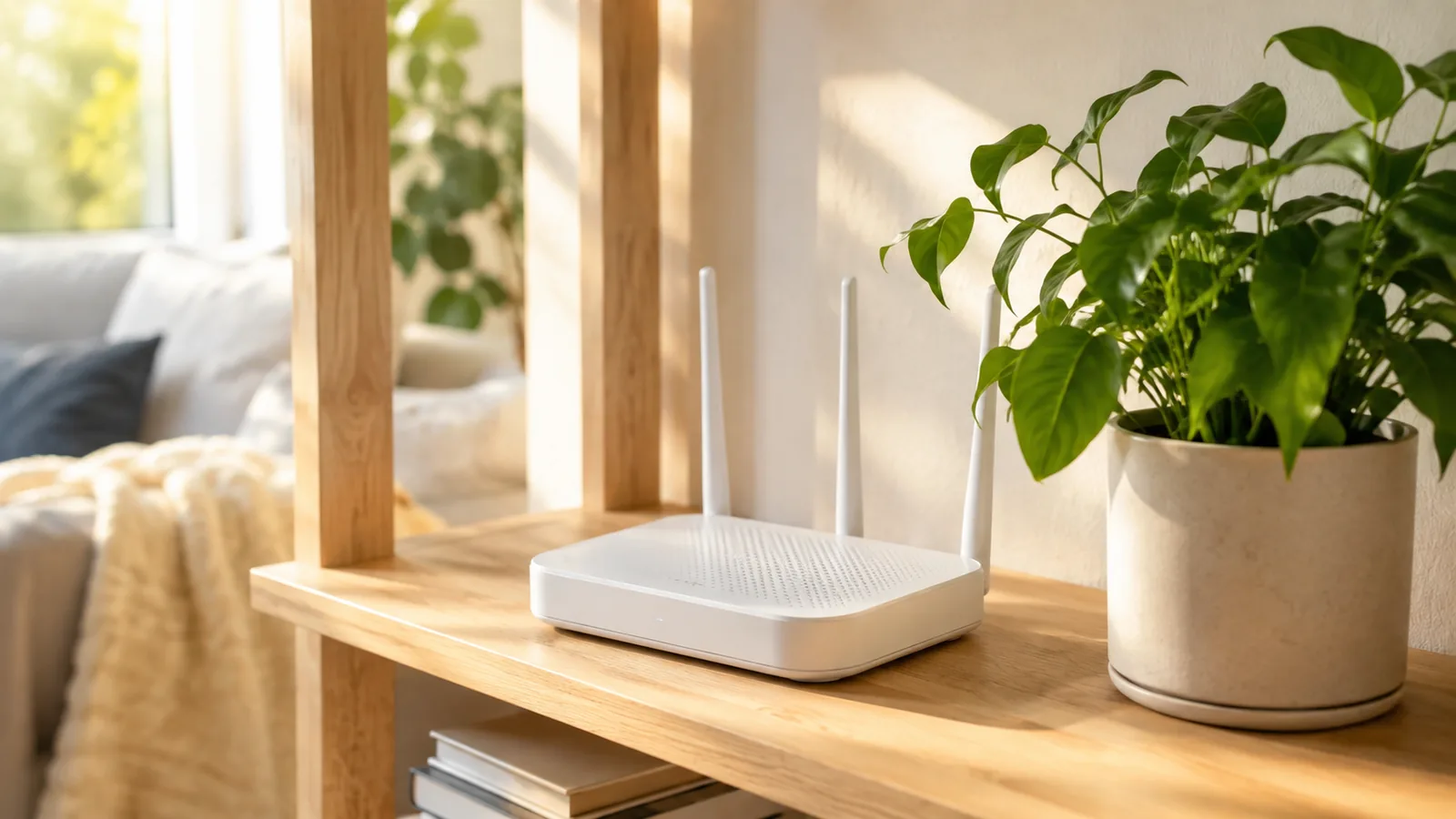
The three lines
- Definition — A network of malware-infected devices controlled remotely and in bulk by one operator
- Purpose — The infected device is the disguise, not the target. Botnets are obfuscation infrastructure
- Weakness — If the check-in address is hardcoded, taking that address stops the whole network
Key questions
- What is a botnet?
- **A network of malware-infected devices that an operator controls remotely and in bulk.** The name combines robot and network. Each infected device is called a bot or a zombie, and the servers issuing instructions are the **command and control (C2)** infrastructure. Sizes range from hundreds of devices to hundreds of thousands. The most commonly misunderstood part is this: **the infected device is usually not the target.** What the attacker wants is not the data on your router but **your router's address**. When attack traffic arrives via third-party equipment, the defender's logs record only that third party. A botnet is therefore a tool for hiding before it is a tool for stealing.
- Why routers specifically?
- **They are always on, never updated, and never inspected.** Few device categories satisfy all three. A laptop gets powered off, runs security software, and has a user who notices when something is wrong. A home or small-office router runs continuously for years, typically on the firmware it shipped with, and when it slows down people blame their internet provider rather than suspecting compromise. Two more factors compound this: **devices still using default administrator passwords** — model-specific defaults circulate publicly in list form — and **remote management interfaces left exposed to the internet**. The same reasoning makes IP cameras, network attached storage and shared printers attractive. Collectively these are described as **IoT botnets**.
- Seizing a domain stops a botnet?
- **It does when the check-in address is hardcoded.** On August 26, 2026, the US Justice Department seized the domains behind QScan and QTRouter under court authorization and stated the action rendered the botnet and its command and control servers **inoperable**. The reason given was specific: **those domains were hardcoded into the botnet's code**. An infected device does not improvise. It contacts a fixed address for instructions, and if investigators control that address, the device has nowhere to check in. The infection persists but the instructions stop. This does not always work, because modern botnets are often built to survive it — some **generate new domains algorithmically each day**, and some pass commands **peer to peer** with no central server at all.
- How do I know if my router is infected, and what should I do?
- **Reliable detection is hard, which is why prevention is the practical answer.** Commonly cited symptoms include unexplained slowdowns, DNS settings that changed without you changing them, and being locked out of the admin page. But those have other causes, and a well-built botnet is designed to leave **no noticeable performance impact**. The recommended sequence is therefore: **update the firmware**, **change the administrator password from its default**, **disable remote management from the internet**, **delete port forwarding rules you no longer use**, and **replace equipment that is past end of support**. That last item does the most work in practice. Once a manufacturer stops issuing security updates, any newly discovered vulnerability in that device stays open permanently.
A botnet is a network of malware-infected devices that an operator controls remotely and in bulk.
The name combines robot and network.
The part most often left out of that definition: the infected device is usually not the target.
1. Three layers
| Layer | Name | Role |
|---|---|---|
| Top | Operator | Issues commands |
| Middle | Command and control (C2) | Distributes commands, collects results |
| Bottom | Bots (zombies) | Infected devices — hundreds to hundreds of thousands |
Each infected device is a bot or zombie. They do not improvise. They contact a fixed address for instructions and act on what they receive.
That dependency is both the botnet's strength and its weakness. It returns below.
2. Why borrow someone else's device — hiding before stealing
What the attacker wants is not the data on your router. It is your router's address.
| Method | What the defender's logs record |
|---|---|
| Attacker connects directly | The attacker's address |
| Attacker routes via a botnet | A third party's infected device |
Wherever an operation originates, if it arrives through thousands of compromised devices in other countries, the logs show only those devices.
This is not theoretical. In the August 26, 2026 seizure, the US Justice Department characterized the QScan and QTRouter botnet's purpose as an obfuscation network — infrastructure whose reason for existing is to make traffic hard to trace.
A botnet is a tool for hiding before it is a tool for stealing.
Other uses exist:
| Use | Detail |
|---|---|
| Obfuscation | Conceal the origin of an attack |
| Distributed denial of service | Tens of thousands of devices flood a service at once |
| Spam and phishing | Spread sending addresses to evade blocking |
| Credential stuffing | Spread login attempts across addresses to evade rate limits |
| Cryptomining | Use someone else's electricity and compute |
The list has a common thread. Nearly all of it is about doing something from many addresses at once.
3. Why routers
Three conditions rarely coincide in one device.
| Condition | Laptop | Router |
|---|---|---|
| Always on | No | Yes |
| Gets updated | Automatically | Rarely |
| Inspected by the user | Yes | No |
A laptop powers off, runs security software, and has a user who notices when it misbehaves.
A router runs for years on the firmware it shipped with. And when the connection slows, people blame their internet provider rather than suspecting compromise.
Two factors compound it:
- Default administrator passwords — model-specific defaults circulate publicly as lists.
- Remote management exposed to the internet — a convenience feature that becomes an entrance.
The same reasoning makes IP cameras, network attached storage and shared printers attractive. Collectively: IoT botnets.
4. Why taking a domain works
The August 26 action seized domains, not machines. A US court cannot seize hardware in China.
The Justice Department nonetheless said the botnet was inoperable, on one specific basis: the domains were hardcoded into the botnet's code.
| Step | Detail |
|---|---|
| 1 | An infected device does not decide for itself |
| 2 | It contacts one fixed address for instructions |
| 3 | That address was baked into the code |
| 4 | Investigators took control of it |
| 5 | The devices had nowhere to go |
The infection remains. Without instructions, it does nothing.
But this does not always work
Botnet designers know this weakness.
| Design | Method | Against domain seizure |
|---|---|---|
| Hardcoded | One address in the code | Vulnerable |
| Domain generation algorithm | New addresses generated daily from a date seed | Resistant |
| Peer to peer | Devices relay commands to each other, no central server | Highly resistant |
That this seizure worked indicates the botnet used the first design.
5. Protecting your own equipment
Detection is unreliable — a well-built botnet leaves no noticeable performance impact. Prevention is far cheaper.
| Order | Action | Why |
|---|---|---|
| 1 | Update firmware | Closes known vulnerabilities |
| 2 | Change the admin password | Default lists are public |
| 3 | Disable remote management | A convenience feature is an entrance |
| 4 | Delete unused port forwarding | Close holes you opened and forgot |
| 5 | Replace end-of-support hardware | No updates means holes stay open forever |
Item 5 matters most in practice. Once a manufacturer stops shipping security updates, a newly discovered vulnerability in that device is permanent.
Commonly cited symptoms — unexplained slowdowns, DNS settings that changed on their own, being locked out of the admin page — are worth knowing, but all have other causes.
6. Related coverage
- "US seizes China state-sponsored hacking platforms (August 26, 2026)" — the seizure and the victim list
- "What a zero-day is — why an unpatched vulnerability is the most expensive kind" — the market for vulnerabilities
- "What AI chip export controls are" — another layer of the same contest
7. What we could not confirm
- Platform roles — the split between QScan and QTRouter was not confirmed against the release.
- Scale — the exact device count in this case; reporting said only thousands.
- Design — whether DGA or peer-to-peer features were present here. That passage describes botnets generally.
- Guidance source — the prevention list reflects accepted practice, not one agency's published guidance.
- National statistics — router infection rates were not examined.
Sources
- US Department of Justice — Justice Department and FBI Seize Platforms Operated and Used by China State-Sponsored Hackers to Target U.S. Critical Infrastructure
- TechCrunch — US seizes domains of Chinese botnet used to target NASA, Justice Department, and the Senate
- CNBC — Fed, NASA and DOJ among victims of Chinese state-sponsored hacker group: Court documents
- CNN — US says Chinese hackers hit hospitals, NASA, Senate and more
- CNY Central — DOJ says China-linked hackers breached NASA, Federal Reserve and Senate networks